Downloading one or two images online is easy, but saving dozens or hundreds can quickly become time-consuming. Manually opening and saving each image is especially tedious on image-heavy webpages.
Online image downloaders offer a faster solution. These browser-based tools let you enter a webpage URL, scan for images, preview the results, and download them, with some supporting bulk ZIP downloads.
In this guide, we’ll introduce some popular online image downloaders, as well as compare their pros and cons.
1. Best Online Image Downloaders for Fast and Easy Downloads
1.1 OnlineImageSaver.com
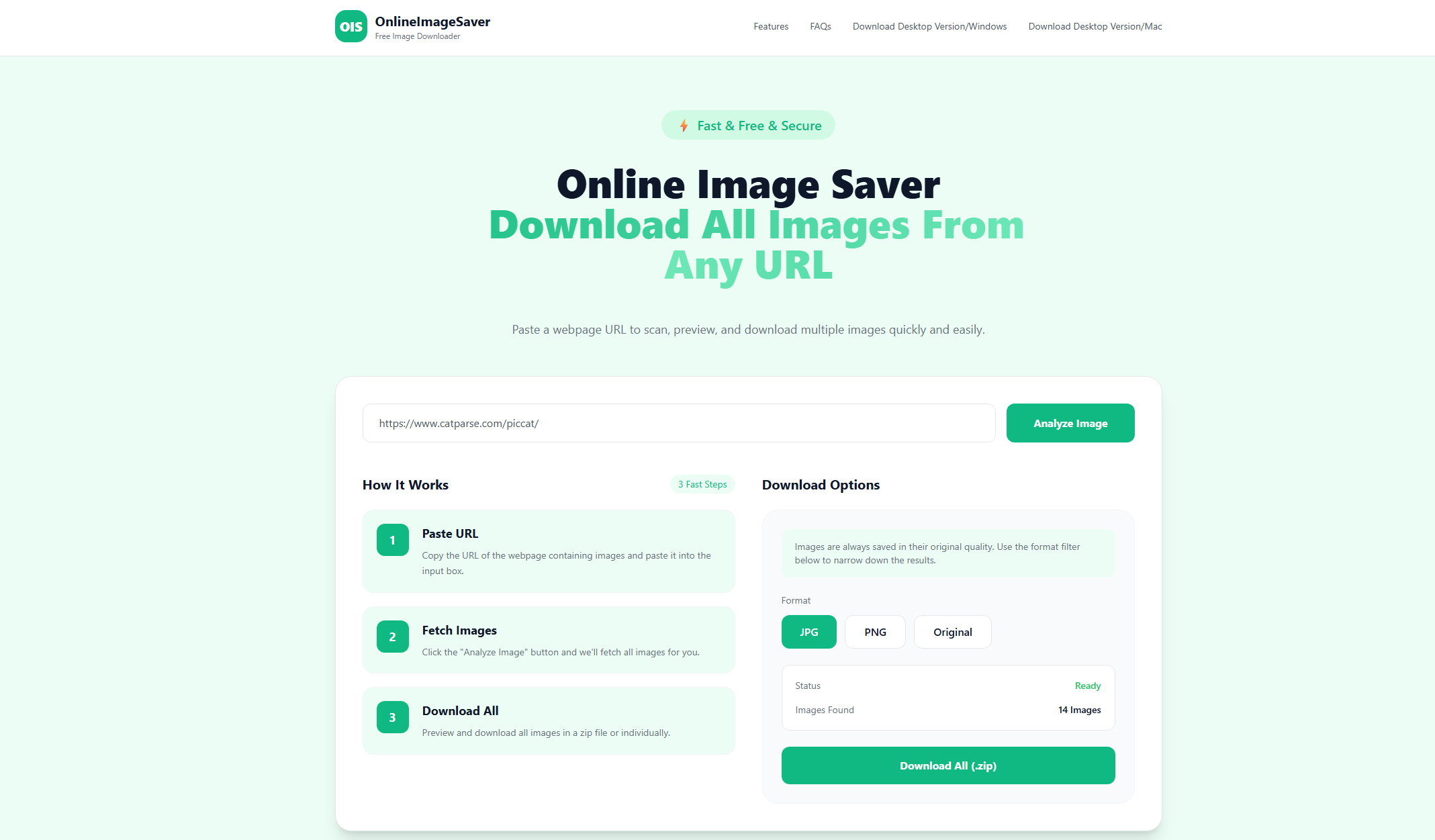
OnlineImageSaver.com is a free online image downloader that lets you extract multiple images from a webpage by simply entering its URL.
After scanning, you can preview and select images to download individually or as a ZIP file. It supports common formats like JPG, PNG, WebP, GIF, and SVG, while preserving original image quality. No software or browser extension is required.

1.2 Extract.pics
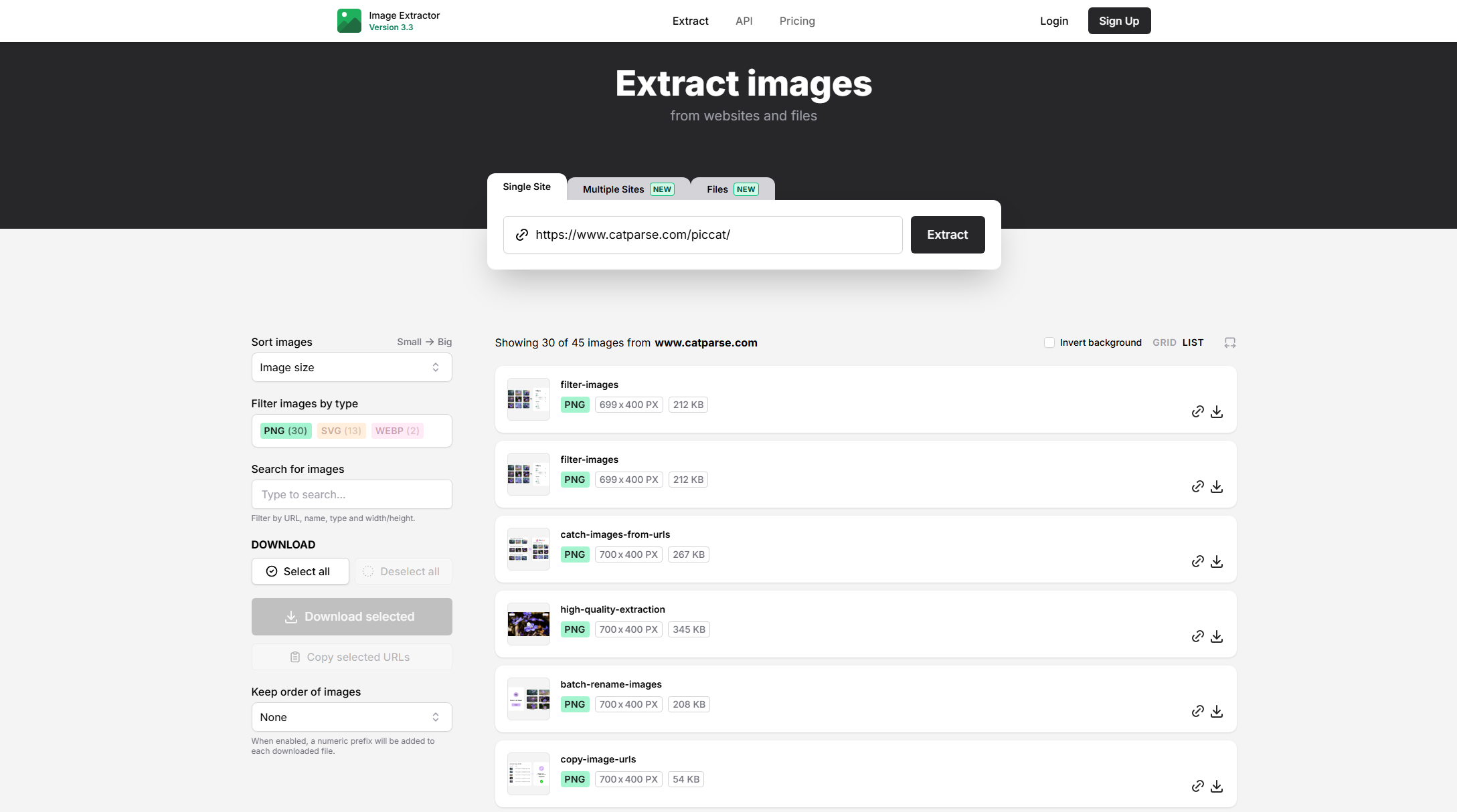
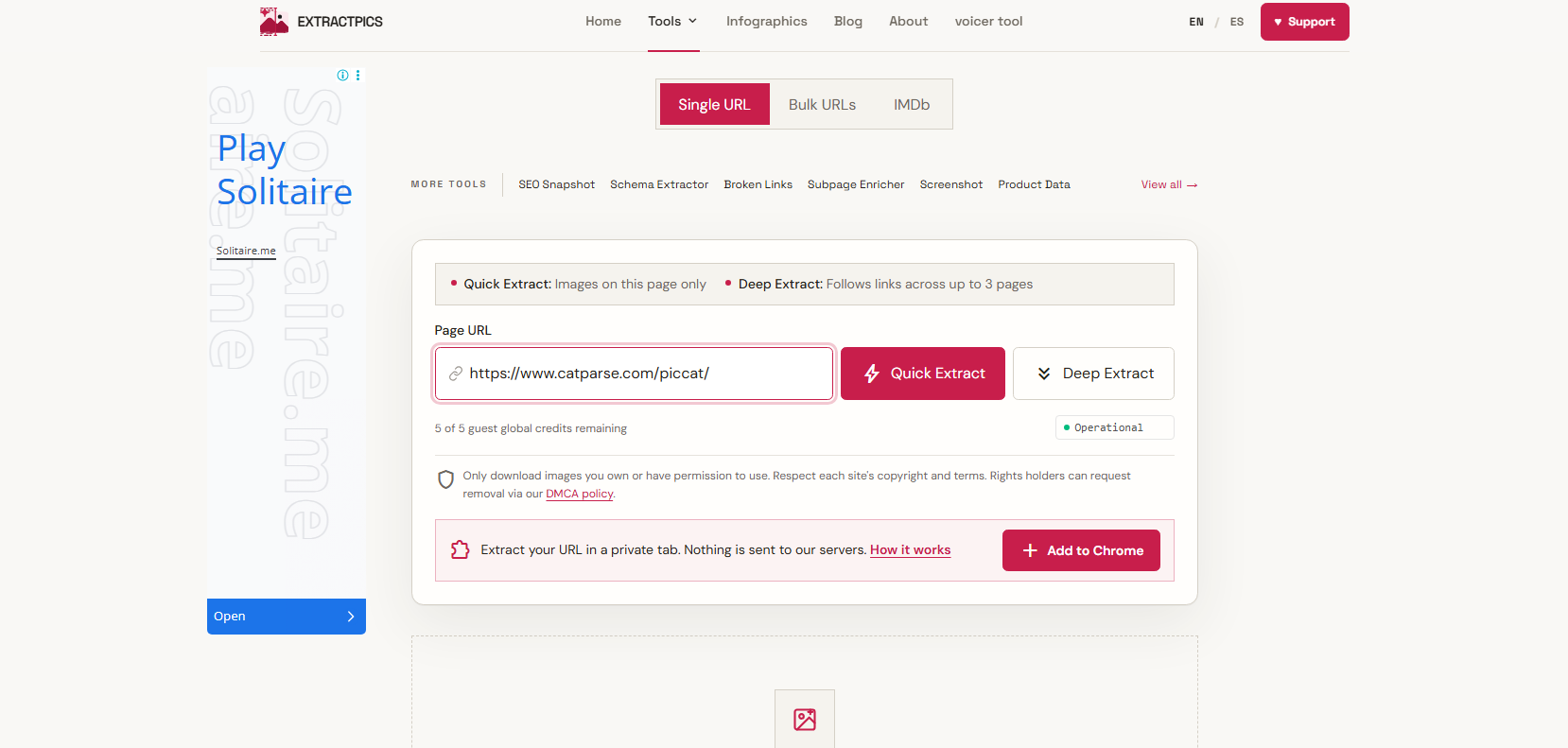
Extract.pics is an image extraction service that can process webpages and identify images available from those pages. It supports both individual and bulk URL extraction, allowing users to collect images from multiple sources in one workflow. Its March 2026 update added bulk extraction from multiple URLs and the ability to extract images from files such as PDFs, PowerPoint presentations, Word documents, Keynote files, OpenDocument files, and ZIP archives.
Users can search, filter, and download extracted images, making it useful for more than just saving a single picture.

1.3 ImgDownloader.com
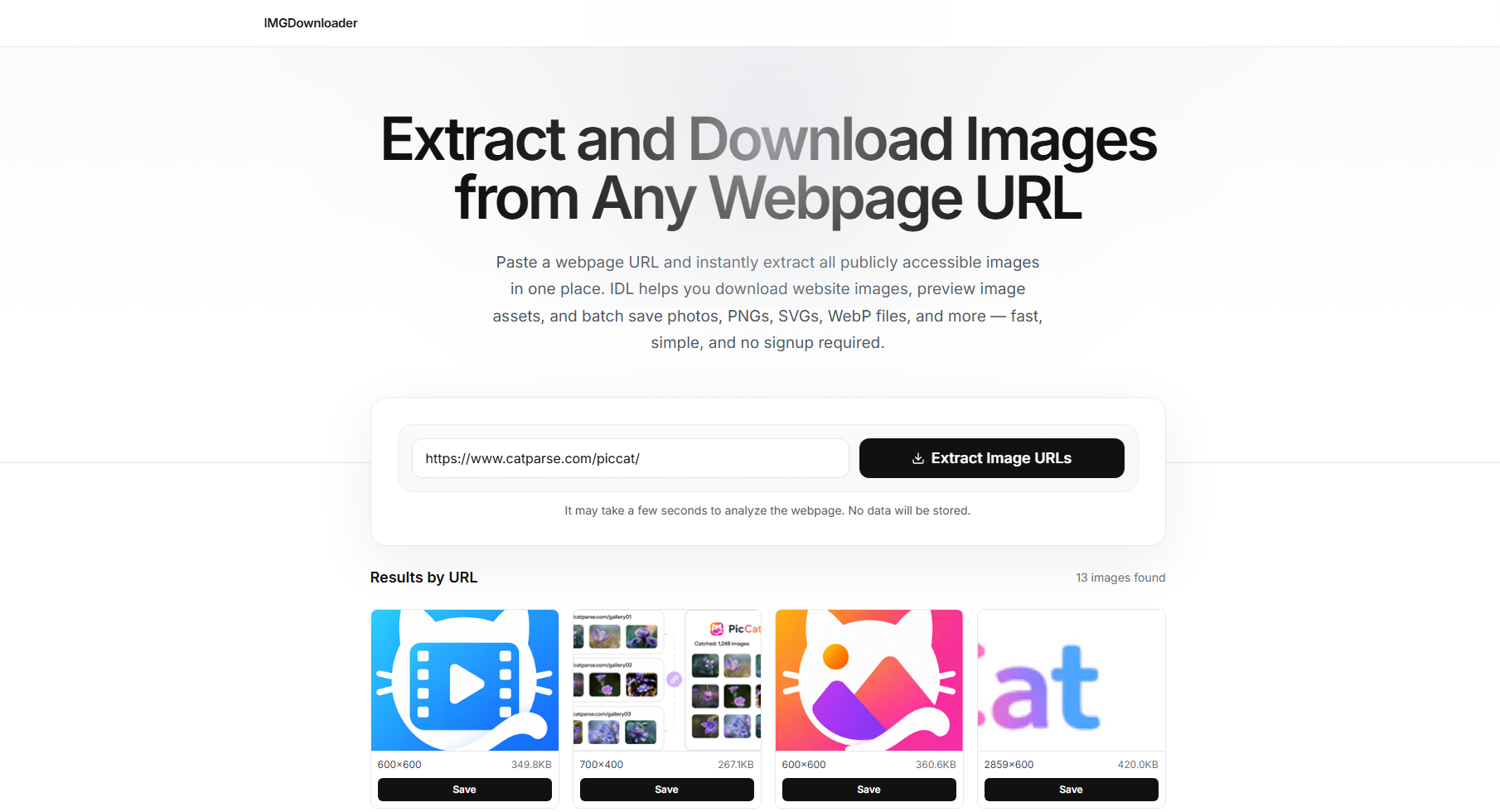
ImgDownloader.com is designed to extract and download publicly accessible images from webpage URLs. Users can paste a webpage address and let the tool scan for available images. The service supports common formats such as JPG, PNG, WebP, GIF, SVG, and AVIF, as well as many lazy-loaded and dynamically rendered images.
The extracted images can be previewed before downloading, and multiple images can be saved together as a ZIP archive. No registration, browser extension, or desktop installation is required.

1.4 ImageOnline.io Image Extractor
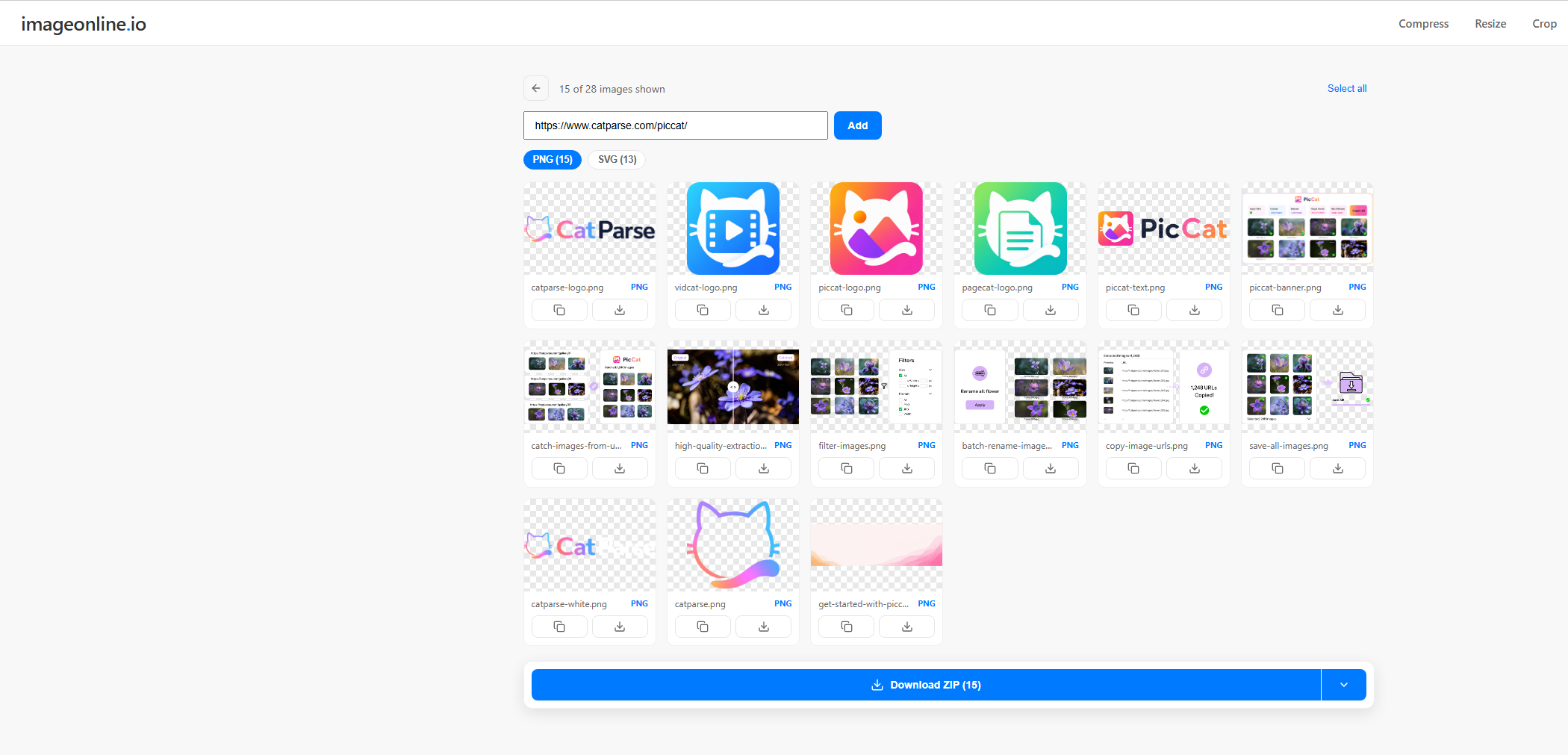
The Image Extractor from ImageOnline.io provides a straightforward way to extract images from a webpage. Paste a public page URL, click Extract , and the tool displays detected images in a gallery. You can select individual images or download the complete collection.
It also supports multiple webpage URLs, with up to 10 sites combined into a single gallery. This can be useful for users who need to collect images from several pages without opening each page individually.

1.5 ExtractPics.com Image Downloader
ExtractPics.com focuses specifically on extracting images from webpages. Its image downloader can scan a public page, display the images it finds, and allow users to download individual files or a complete ZIP archive.
One of its advantages is its ability to work with modern webpages. The service says it can detect lazy-loaded images, responsive
srcset
images, CSS background images, SVGs, and images that appear after scrolling. It also provides filtering options so users can find the images they actually need.

1.6 BulkImageDownloader.in
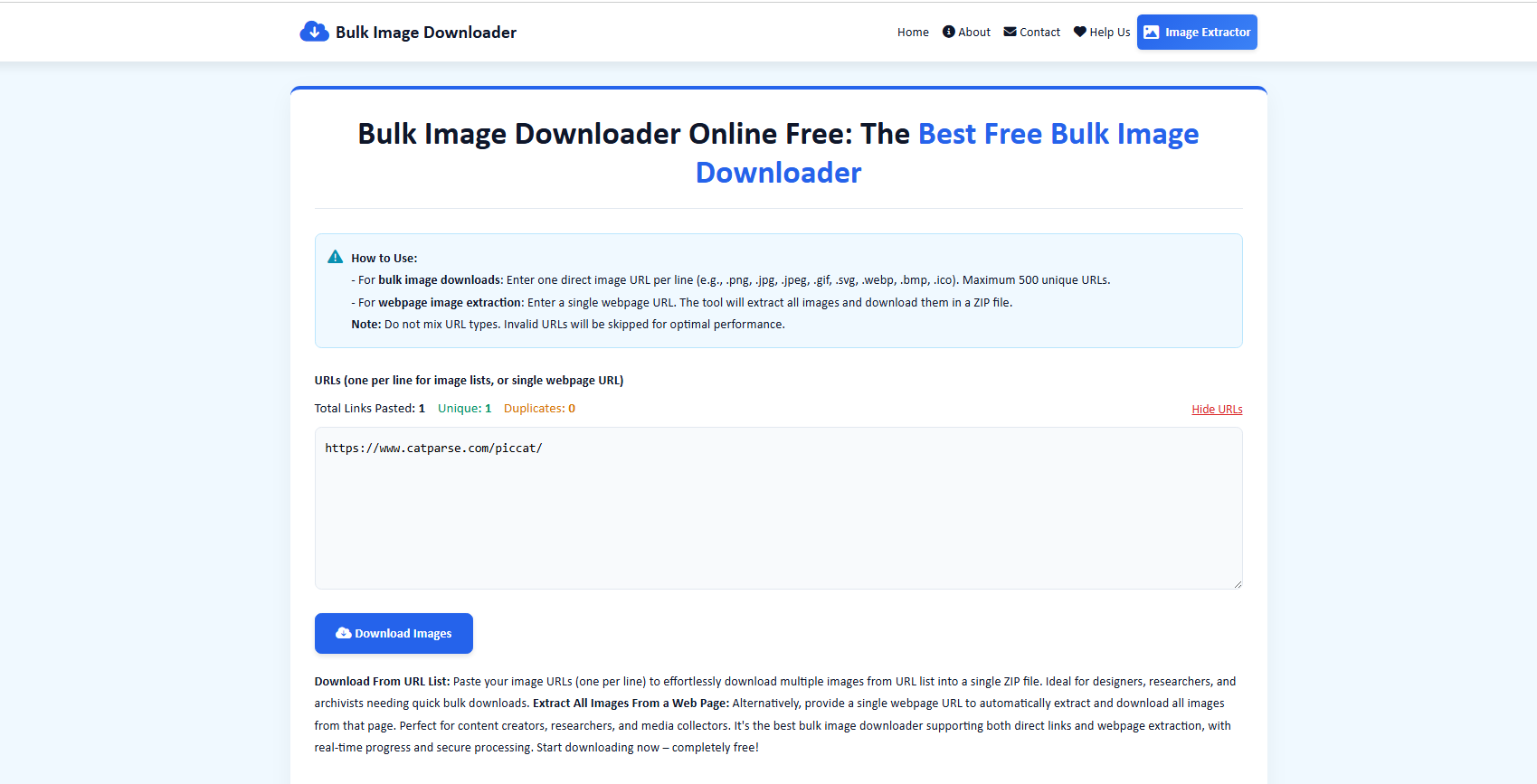
As its name suggests, BulkImageDownloader.in is designed for bulk image downloading. It offers two primary methods: users can paste multiple direct image URLs or enter a webpage URL to extract images from that page. The service currently supports up to 500 unique direct image URLs per session and can package downloaded images into a ZIP file.
The real-time progress display also provides information such as successful downloads, failed URLs, download speed, and total download time.

1.7 ToolsBug Images Downloader Online
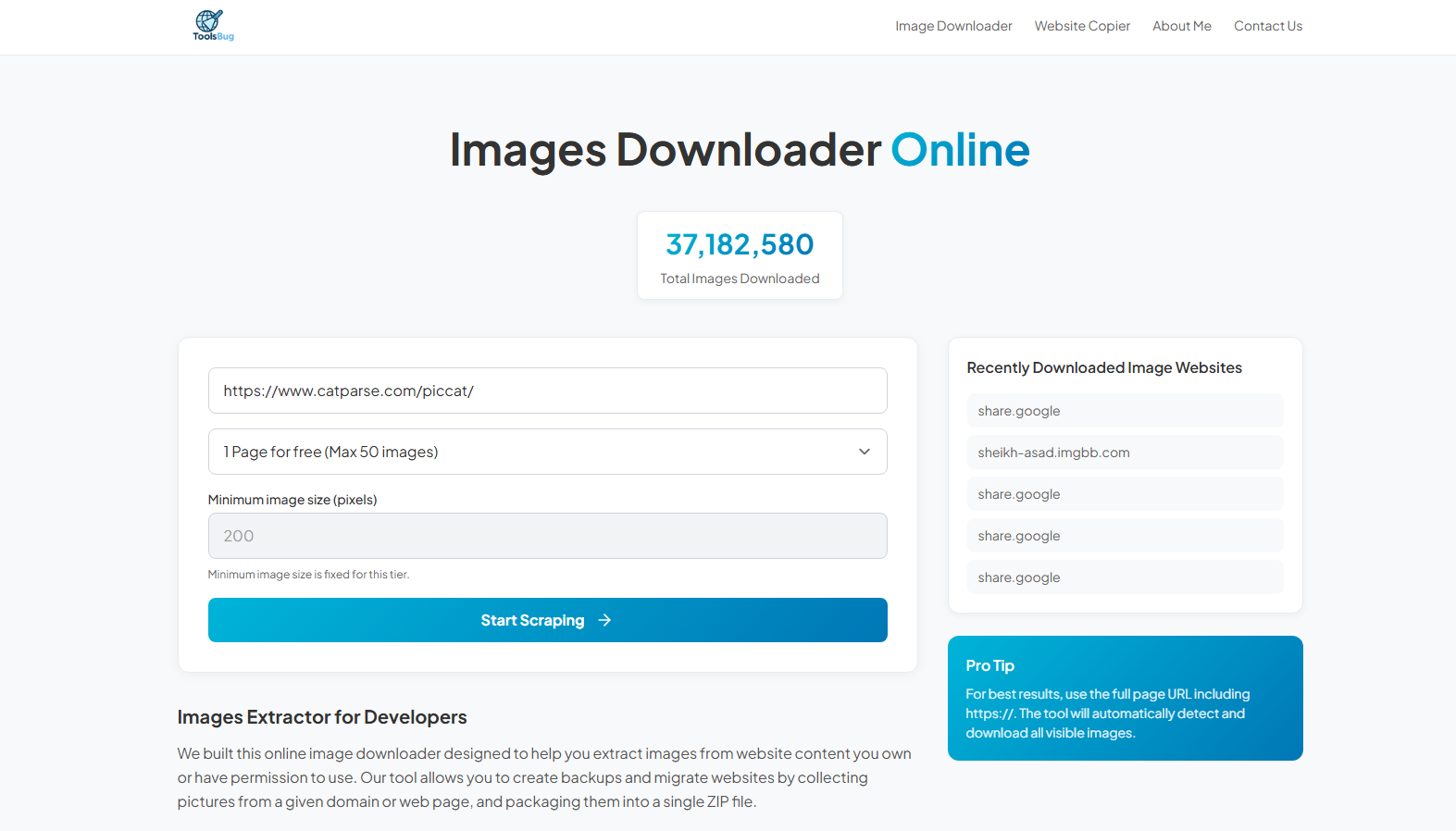
ToolsBug Images Downloader Online is a browser-based tool that helps users extract and download images from webpages without installing additional software. Simply enter the URL of a webpage, and the tool can scan its available resources to identify images and other downloadable files.

2. Pros and Cons of Using Online Image Downloaders
Online image downloaders are convenient, but they aren’t perfect for every situation.
优点:
- No installation: Works directly in a browser.
- Easy to use: Simply paste a URL and download.
- Cross-platform: Works on computers and mobile devices.
- Quick downloads: Great for occasional image saving.
- Bulk options: Some tools support ZIP downloads.
缺点:
- Limited bulk downloads: Not ideal for large collections.
- Website compatibility: Some sites may not be supported.
- Internet required: Depends on an online connection.
- Fewer features: Limited filtering, renaming, and file management.
- Processing limits: Large pages may take longer to process.
3. Try the Ultimate Bulk Image Downloader Software – PicCat
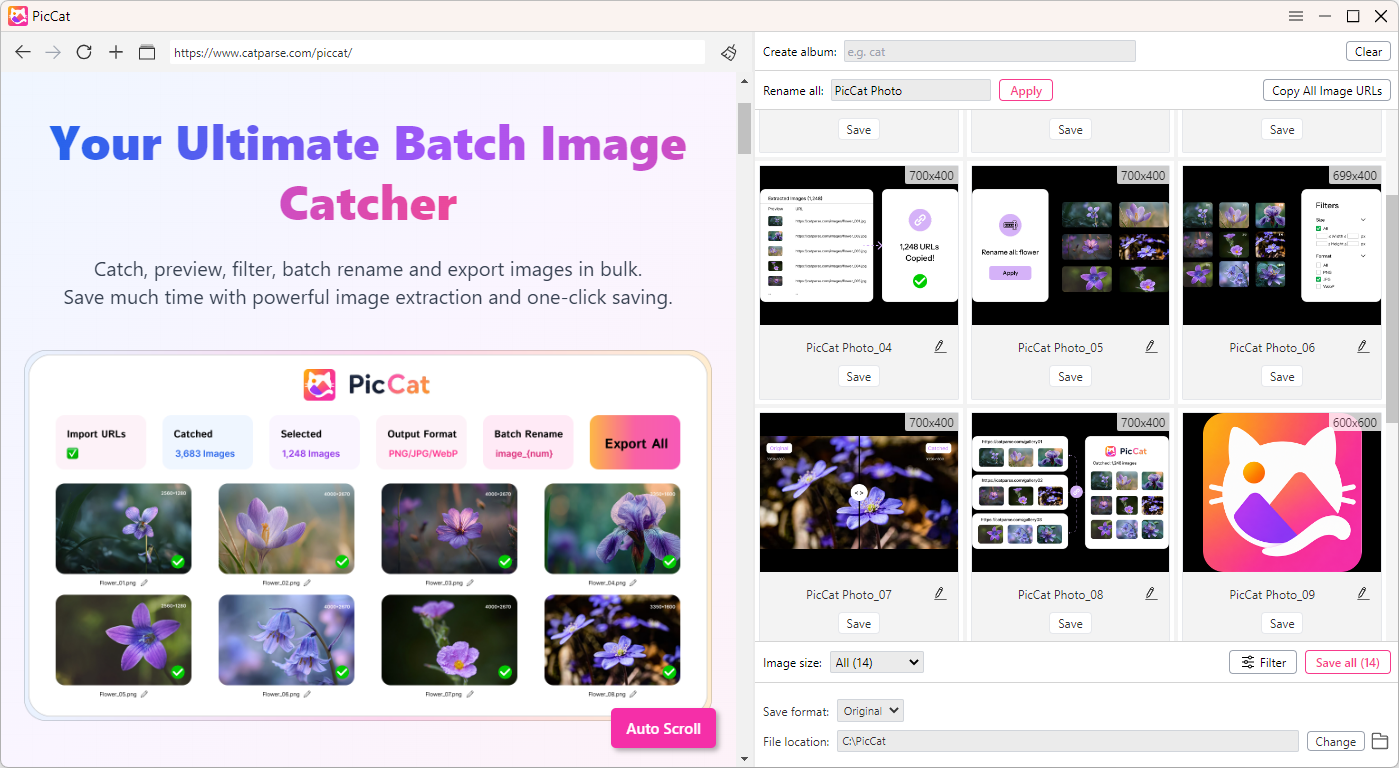
If you frequently download images in bulk, PicCat is a desktop image downloader designed to make large-scale image downloading faster and easier.
Instead of repeatedly pasting URLs into an online service and downloading files one by one, PicCat provides a dedicated desktop workflow for collecting, filtering, previewing, and downloading multiple images. This makes it particularly useful for designers, researchers, content creators, marketers, and anyone who regularly works with large image collections.
Main Features of PicCat:
- 批量图片下载 from webpages and image URLs
- Fast image extraction for large collections
- Image preview before downloading
- Image filtering by useful properties such as format or size
- 批量重命名 for easier file organization
- URL management for copying and exporting image links
- Supports multiple formats: JPG, PNG, GIF, WebP, and Original.
- Desktop workflow for managing larger download tasks
How to use PicCat:
- Download and install PicCat on your Windows or Mac computer, then launch the application.
- Copy the webpage URLs containing the images you want to save, then add them into PicCat, let software analyze the URLs and display the available images. Preview the results and use filters to find the files you need.
- Choose the images you want to save and start the bulk download. You can organize or rename the files as needed.

4. 结论
Online image downloaders are convenient for quickly saving images without installing software, especially for occasional downloads. However, they can become limiting when you need to download large numbers of images.
For frequent or bulk downloads, PicCat is a more efficient choice, offering features such as bulk downloading, image extraction, filtering, and batch management. If you regularly download multiple images, PicCat can help make the process faster, easier, and more organized.